
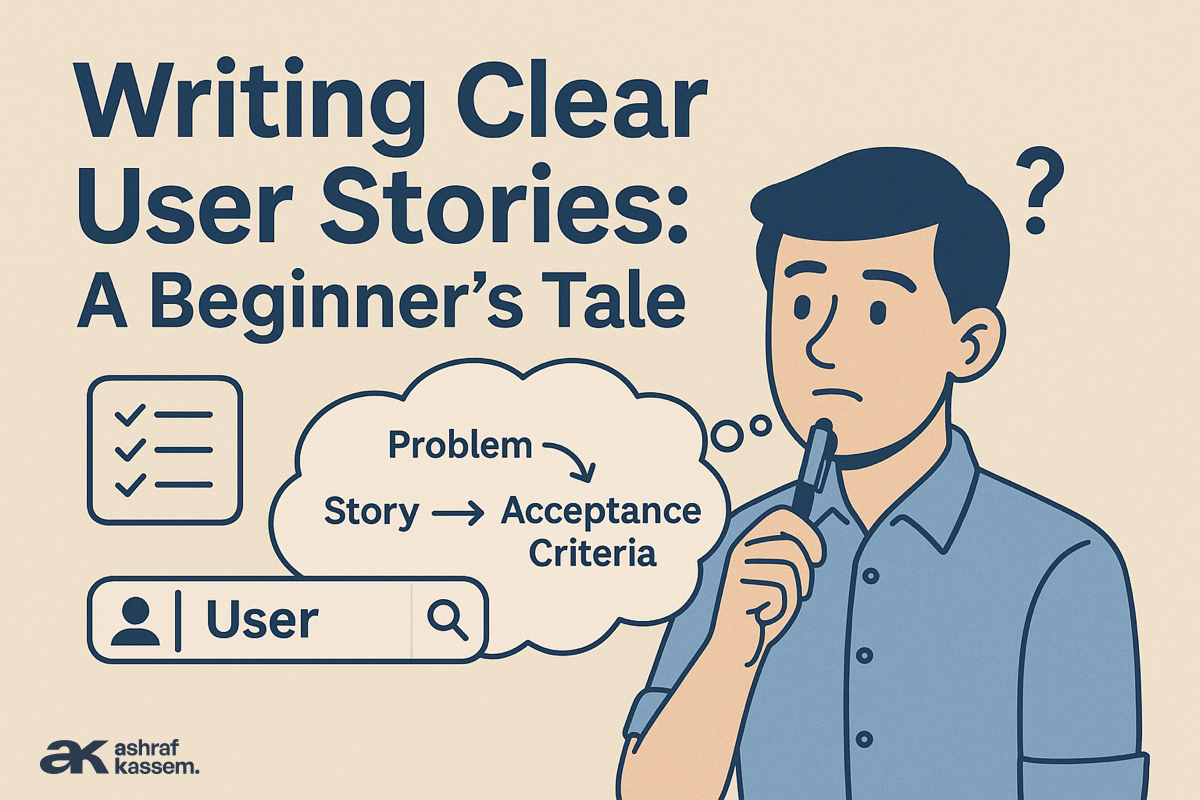
I wasn’t planning to teach that morning.
I had just grabbed my coffee, opened my laptop, and was preparing for a quiet hour of backlog grooming when one of my junior PMs — let’s call him Kareem — knocked on the door holding a notebook that looked like it had survived a storm.
“Ashraf… do you have a minute?”
His voice had that mix of embarrassment and panic you only hear from someone who has tried very hard… and still feels lost.
“Come in,” I said. “What’s going on?”
He placed the notebook on the table. It was full of arrows, question marks, screenshots, stakeholder notes, and random ideas.
To be fair, it looked exactly like the kind of requirements document most junior PMs receive during their first month.
He sighed.
“I have all this input… but I don’t know how to turn it into user stories. I don’t even know where to start.”
I smiled, because I knew exactly how he felt.
Every PM, including me, has lived through that moment:
The moment where requirements are loud, messy, contradictory… and you need to transform the chaos into clarity.
So I closed my laptop, moved the coffee aside, and said:
“Let me tell you a story.”
The First Time I Wrote Bad User Stories
Years ago, early in my career, I confidently wrote user stories like:
“As a user, I want a filter system so I can refine products.”
Everyone nodded in the grooming session.
Nobody asked questions.
Then the designers interpreted “filter system” as a sidebar with 8 options.
The engineers interpreted it as a modal with dynamic chips.
Marketing thought it meant allowing search for brand names.
The results?
Three mockups.
Four development approaches.
Zero alignment.
And the worst part?
We built something the user didn’t even want.
From that moment, I learned the painful truth:
👉 A user story doesn’t fail because of a missing template.
It fails because the PM never understood the user.
This is what I explained to Kareem that day.
Step 1: Start With the Human, Not the Feature
I took his notebook and flipped through the pages.
“Who is the person struggling here?” I asked.
He blinked.
“What do you mean?”
“This… all of this…” I pointed at the notes.
“These are symptoms. None of them tell me who is suffering.”
We looked together:
- “Users are calling support asking where their order is.”
- “Some customers cannot find their past invoices.”
- “Merchants want to see orders that need urgent fulfillment.”
- “Admins cannot find complaints quickly.”
Four groups. Four realities. Four different worlds.
“This,” I told him, “is why your user stories feel impossible to write.
You’re trying to write stories without identifying your characters.”
His face softened.
“So I pick one… and focus only on their pain?”
“Exactly.”
User stories are not about building features.
They are about solving one human problem at a time.
And humans don’t come in bulk, they come in roles.
Step 2: Listen to What the User Actually Wants
I flipped back to the requirement:
“Users are calling support about invoices.”
“So,” he said, “we need an invoice page.”
I shook my head.
“That’s the business request.
Not the user’s voice.”
I asked him gently:
“If you remove the UI from your mind…
If you forget the feature…
And you imagine a real customer, sitting at home…
What do they want?”
He paused.
“They… want to get their invoice without calling support.”
I smiled.
“There you go. That’s the user story trying to reveal itself.”
User stories don’t begin by writing.
They begin by listening.
Step 3: Understand the Why (The Value Behind the Need)
“Why does the user need this?” I asked him.
“So they don’t waste time… and don’t depend on support,” he said.
“Good. That’s value.
Without value, a user story is just a sentence with no soul.”
Step 4: Now Let the Story Tell Itself
Once the role, need, and value were clear, I told Kareem:
“Now write this sentence… exactly as you’d say it in real life.”
He wrote:
“As a customer, I want to download my invoice so that I can access it easily without calling support.”
The moment he finished writing it, he exhaled like someone who finally solved a puzzle.
“That’s it?” he asked.
“That’s it. User stories are simple once you understand the human behind them.”
Step 5: Acceptance Criteria: Where Clarity Becomes Action
Then I did something I always do with juniors:
I drew a tiny stick figure on a whiteboard.
“This is your user,” I said. “Walk them through the experience.”
- What must be true before they can take action?
- What action do they perform?
- What must happen after the action?
This is how you transform a story into something buildable.
Kareem slowly started:
Given the user is logged in
When they open the order details page
And click “Download Invoice”
Then a PDF is downloaded
He looked at me again.
“This actually feels easy now.”
“Yes,” I said.
“Because clarity feels like relief.”
Step 6: The Rookie Mistakes We All Made
Before he left the room, I warned him about the traps that every beginner falls into:
❌ Writing UI instead of user goals
“As a user, I want a blue button…”
❌ Combining multiple needs into one story
“Track + Cancel + Reorder” = 3 separate stories.
❌ Writing vague acceptance criteria
“System should work properly.”
That sentence has ruined more sprints than I can count.
❌ Forgetting to identify the user’s role
User ≠ customer ≠ merchant ≠ admin.
❌ Solving the business request instead of the user’s problem
A business request is useful but not sacred.
It’s your job to translate it.
Not obey it.
The End-to-End Example (The One Kareem Wrote That Day)
Here is the exact story we built during that session, the one that changed how he wrote user stories forever.
User Story
As a customer, I want to download my past invoices so that I can access them easily without contacting support.
Acceptance Criteria (Gherkin)
Scenario 1: Successful Download
Given I am logged in
And I have at least one completed order
When I open the order details page
And click “Download Invoice”
Then the invoice should download as a PDF
And the file name should include the order number
Scenario 2: No Completed Orders
Given I have no completed orders
When I open “Orders”
Then I should not see any download option
Scenario 3: File Error Case
Given there is a temporary server error
When I attempt to download
Then I should see:
“Unable to download invoice. Please try again later.”
Conclusion: The Real Lesson
Writing good user stories is not about templates.
It’s not about frameworks.
It’s not about product jargon.
It’s about sitting with the problem long enough…
Until the user’s voice becomes louder than the requirement.
I told Kareem that day:
“User stories aren’t written.
They are discovered.”
And if you’re reading this as a beginner, remember:
👉 Clarity is not a talent. It’s a habit.
And you can start building it today.


.png)